Edition guidance updated 28 October 2026 for 0.3.45. Earlier instructions described 0.3.14. This remains a hypothetical staging procedure, not a claim that these tests ran on your installation.
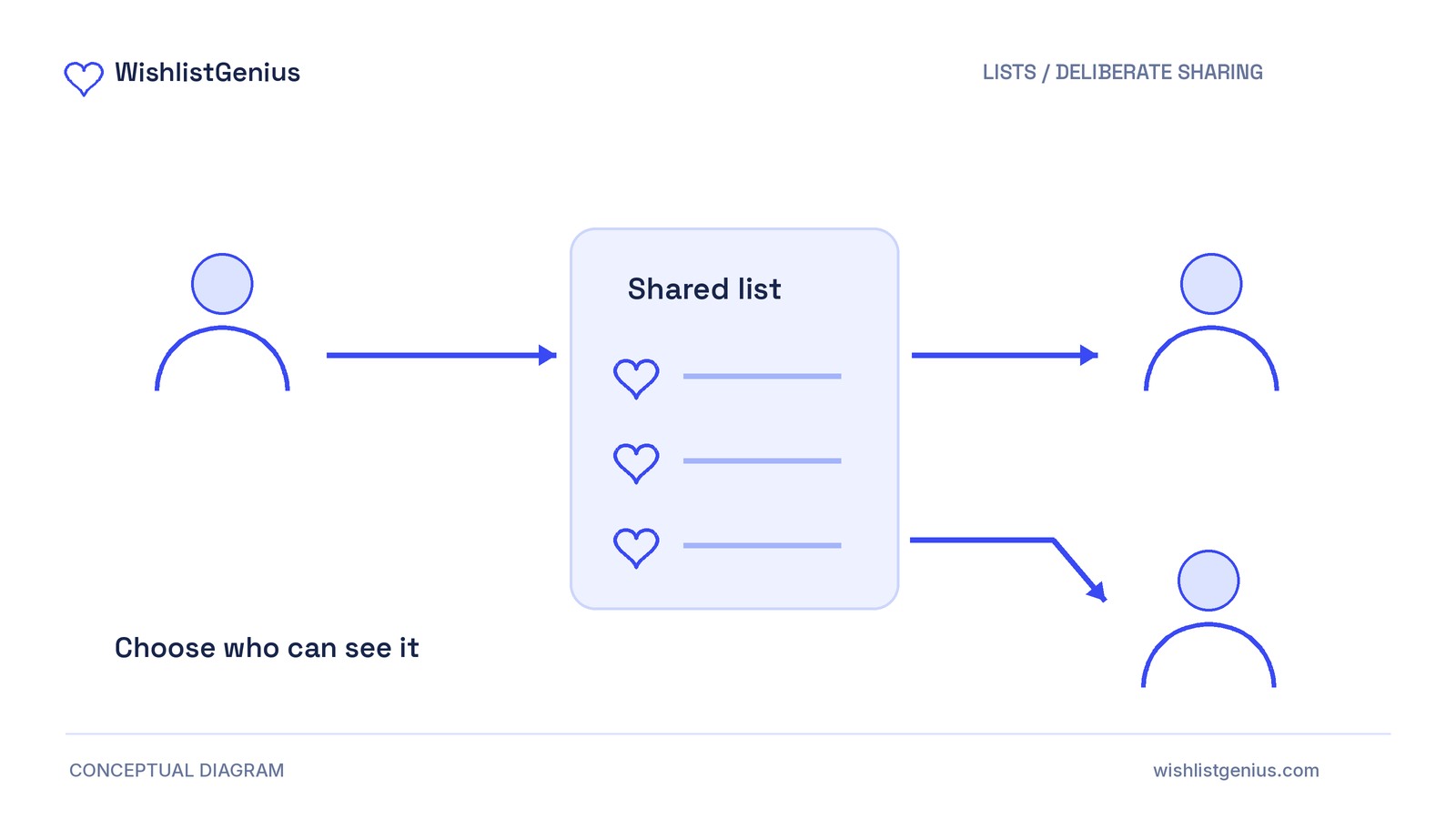
Use an unlisted link for an online shortlist, not an unchecked owner export. WishlistGenius Free 0.3.45 excludes private notes and account details from shared views. Owner CSV exports and print views can include private notes, so these routes are not interchangeable.
Anyone holding an unlisted link can open the shared view; it is not restricted to named recipients. The checks below are for you to run with synthetic data; no test results are reported here.
Choose online access or an offline handoff
Lists start private. For an online shortlist, evaluate the secret, revocable unlisted link.
If a file is essential, prepare a separate recipient copy in a document or spreadsheet editor. Include only the product names, options and links intended for that recipient, then review the finished file. Do not assume owner exports are sanitized.
The saving and sharing guide documents these boundaries. Pro is not required for unlisted sharing, CSV or the owner print/PDF view.
Prepare a synthetic list on staging
Back up a staging copy running single-site WordPress 7.0+, WooCommerce 10.0+ and PHP 8.2+. Multisite is unsupported.
For a fresh installation, install and activate Free 0.3.45. Open WishlistGenius → Setup & settings, create or select the wishlist page, and save settings. Run the checks below with your theme and caching setup; the setup guide covers the wider integration review.
For this check, use a fresh test account with fictional details. Example test list (hypothetical): save a natural canvas tote with the private note “GIFT-NOTE-731: wrap in yellow paper.” Select required options for a variable product. Confirm that the note appears in the owner’s wishlist.
Start your share-versus-export record
Online readiness requires intended products to appear, notes and account details to be absent, and the old link to stop granting access after sharing changes. Inspect any replacement link before recommending it.
Offline readiness requires reviewing the exact final recipient file, with no unintended information remaining. Failed or unconfirmed checks block the affected route, not automatically both.
Hypothetical decision—not test results: Assume the tote appears without the note or account details, the old link no longer grants access after sharing changes, and a replacement passes the same shared-view inspection. The CSV contains the note. Those assumptions support the online route for that configuration, but not sending the CSV unchanged. Other exports may differ.
Copy these fields into a test ticket. Complete Setup now and the matching fields after each action. Limit access to the record, evidence and secret URLs.
- Setup: Date, versions, theme/cache configuration, test-account label and saved selection.
- Shared view: Intended products visible or missing; dummy note and account details each absent, present or unconfirmed; evidence.
- CSV: Filename; note status; other information included; recipient edits needed.
- Owner print view: Note status; other information included; evidence.
- Saved PDF, if used: Filename; note status; other information included. Otherwise record “not inspected.”
- Final offline copy: Exact recipient filename/version; review completed or pending; unintended information remaining. Use “not used” if unnecessary.
- Sharing change: Action; original URL still opens, no longer opens or unconfirmed; replacement-link inspection, if applicable.
- Decision: Chosen route; ready, investigate or unconfirmed; reason.
Inspect the shared view and owner outputs
1. Open the link as a recipient
Create an unlisted link and record its original URL privately. Open it in a separate browser profile, signed out of the store and without the owner’s session. Another ordinary tab is not isolated.
Check that intended products appear, search the shared view for the dummy note and look for test-account details. Record your observations under Shared view, including anything you could not confirm.
2. Inspect the CSV
Export the same list from the owner’s session. Inspect its rows and columns for the note and other unintended details; complete CSV.
Private notes in owner output are not, by themselves, a sharing defect. Not every export necessarily includes them.
3. Inspect print output separately
Inspect the owner’s print view for the same details. If you save a PDF using your browser, inspect that saved file too. Complete Owner print view and Saved PDF separately: one output does not establish what another contains.
4. Review the final offline copy, if needed
Prepare the recipient-only document without altering the owner’s notes. Open the exact file you intend to send, check every page or row, and remove unintended information. Reopen the final version and complete Final offline copy.
Change sharing, then test the old link
5. Retest the original URL
Use the list’s sharing controls to update sharing or revoke the link. Updating sharing is documented to invalidate the previous secret link.
In the isolated recipient session, load the original URL again. Do not judge by a page left open before the change. A network or staging-access error is not proof of revocation.
Complete Sharing change, recording whether the original link still opens the shared list. Inspect any replacement link as in action 1 before recommending it.
Publish wording only for a verified route
Adapt these lines after confirming the relevant checks:
Unlisted link: “Anyone with this link can view your shared list. The shared view excludes your private notes and account details. Changing sharing invalidates the previous link, but cannot recall screenshots, downloaded files or copied information.”
Offline file: “Your CSV export or print output may include private notes. Review the actual file before sending it, or create and review a separate recipient copy.”
Saving a product does not reserve stock or grant permission to email.
Complete Decision and pass the record to whoever publishes shopper instructions. Publish instructions only for a route that meets its readiness conditions. Investigate unexpected shared-view disclosure or continued old-link access before recommending unlisted sharing.
This record applies only to the configuration checked; it is not a universal privacy guarantee.