Save now. Decide later.
Shoppers can start without an account, save with one click and Undo a mistake. Signed-in accounts can access their lists across devices.
Free includes shopper wishlists, saving, sharing, chosen variations and basic styling. Pro adds the merchant interface for browsing individual customer wishlists and their products. Aggregate totals remain Free. Existing wishlists and private notes are preserved. Previously activated local Pro features continue after subscription expiry under the existing licence terms.
WOOCOMMERCE WISHLIST FEATURES
Make it easy to save favorites with Free. Add Pro for requested product alerts, wishlist reminders and insights into what shoppers want.
Check compatibilityGuest saving · Private by default · Built for WooCommerce
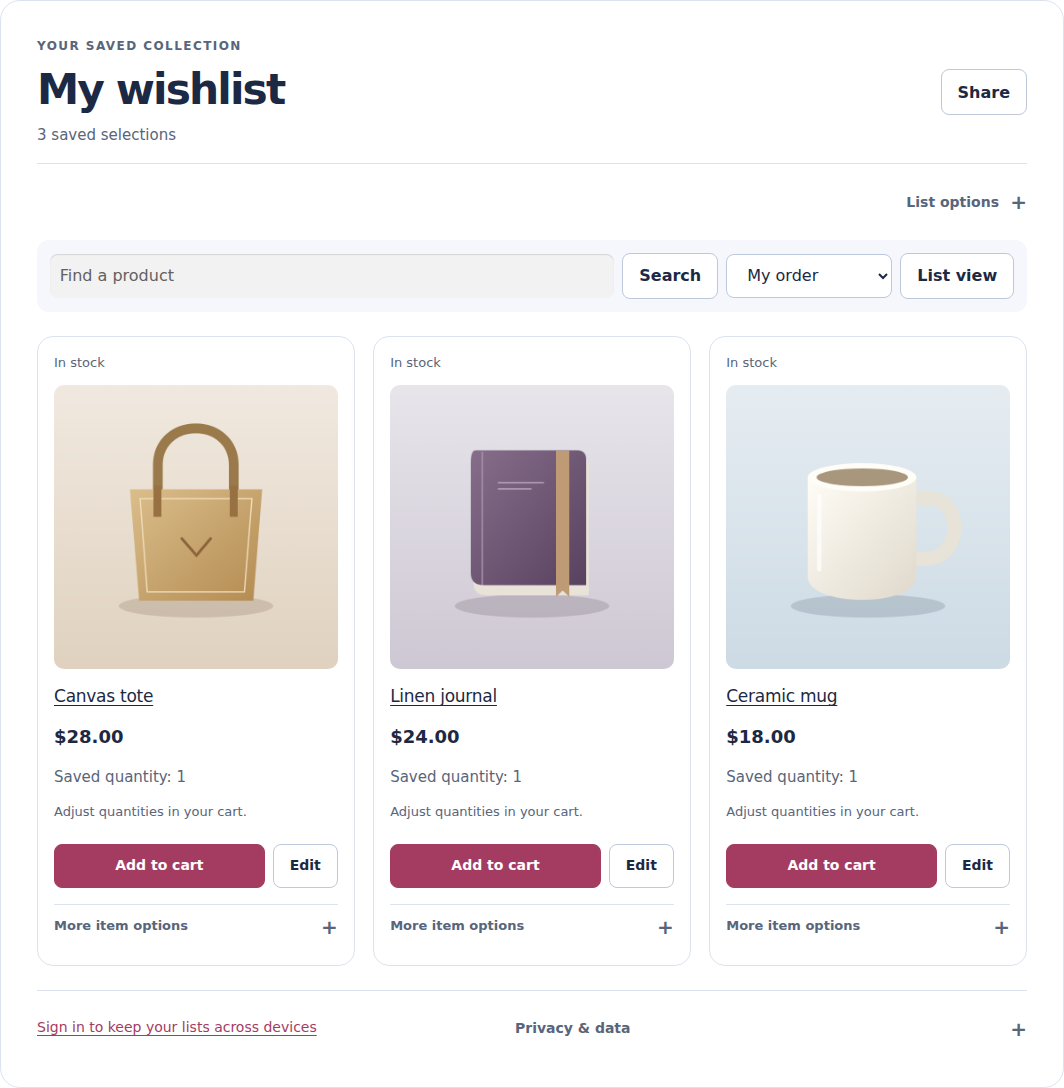
Shoppers can start without an account, save with one click and Undo a mistake. Signed-in accounts can access their lists across devices.
Retain selected variations, private notes and the saved price. Save a variable product before choosing its options; required choices are checked before adding it to the cart.
Guided setup helps you choose a wishlist page and add access to header and mobile menus. The count updates after Save and Undo.
Helpful follow-ups, chosen by the shopper and configured by you.
Saving a product never subscribes someone. Email starts off and needs the relevant shopper consent. Optional guest product alerts require email confirmation; eligibility varies by workflow.
See email setup and consent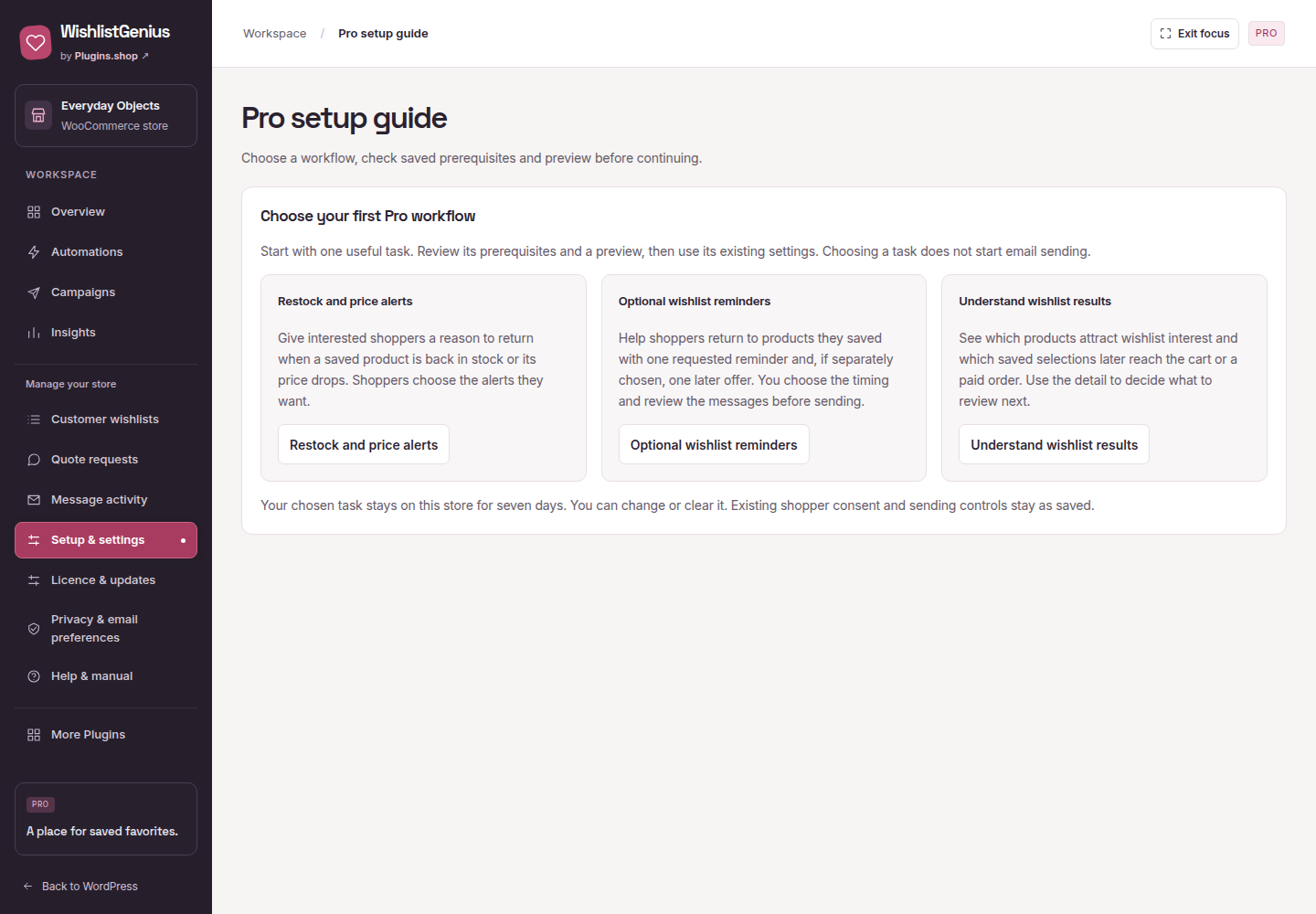
Explore saved-product demand, cart activity and purchases attributed to wishlist cart actions. Review currencies separately and export the results.
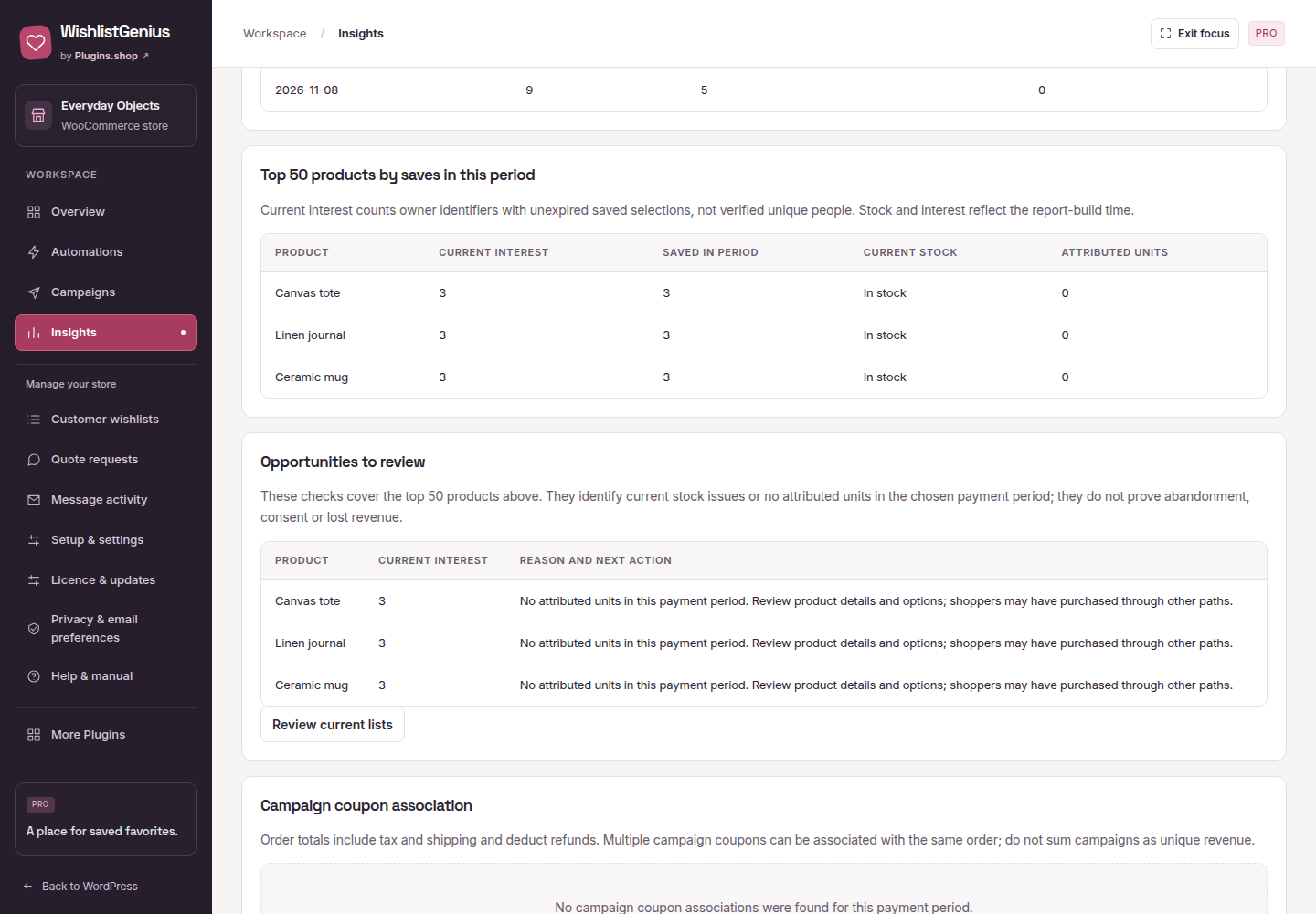
Attributed purchases come from wishlist cart actions; this is not a count of every later purchase of a saved product. How reporting and attribution work
Create up to 50 lists, duplicate a collection and move or copy saved selections. Shoppers choose a destination when they have several lists.
Edit wishlist quantities and add multiple saved items to the cart. Required product options and availability are checked along the way.
Use circular heart buttons in either top corner on supported WooCommerce layouts. Unsupported layouts keep the normal button placement.
See supported appearance optionsFollow public lists or request a quote from a saved collection. Quote requests require the shopper’s explicit sharing choice.
Preview your icon, label, position, accent color and corner radius. Use wishlist, button and counter blocks, with guidance for block and Elementor headers.
Translation templates and right-to-left styling are included. Reviewed non-English language packs are not bundled.
Review supported account-owned lists from YITH, TI or WPC before importing. See what is ready and what will be skipped; source records stay untouched.
Imports start private and keep consent unchanged. Resume batches when needed, or roll back an import while its list is still untouched.
Check supported importsTRY IT IN A REAL STORE
Explore Free and Pro in a temporary WordPress store, then choose the features you need.