 Try saving this
Ceramic mug
White · Quantity 1
$28In stock
FREE + PRO FOR WOOCOMMERCE
A wishlist for your WooCommerce store. Let shoppers save products, keep their chosen options and private notes, and come back when they’re ready.
YOUR WISHLIST
Try saving thisWhite · Quantity 1
 Saved for later
Natural · Quantity 1
Tap the mug’s heart to try a save.
An update they chose. A reason to return.
Example notification · Canvas toteSTART WITH FREE. GO FURTHER WITH PRO.
Let guests save products with their chosen variations and private notes. No account needed. A quick Undo puts them in control.
Offer requested restock and price-drop alerts, plus optional wishlist reminders. Shoppers choose their emails; you control sending.
Understand saved-product demand. See saves, cart additions and attributed purchases to decide what deserves your attention.
Image hearts, multiple lists and bulk cart tools are also in Pro. Compare Free & Pro
SEE THE REAL PLUGINS
Explore both sides of WishlistGenius, then try them yourself.
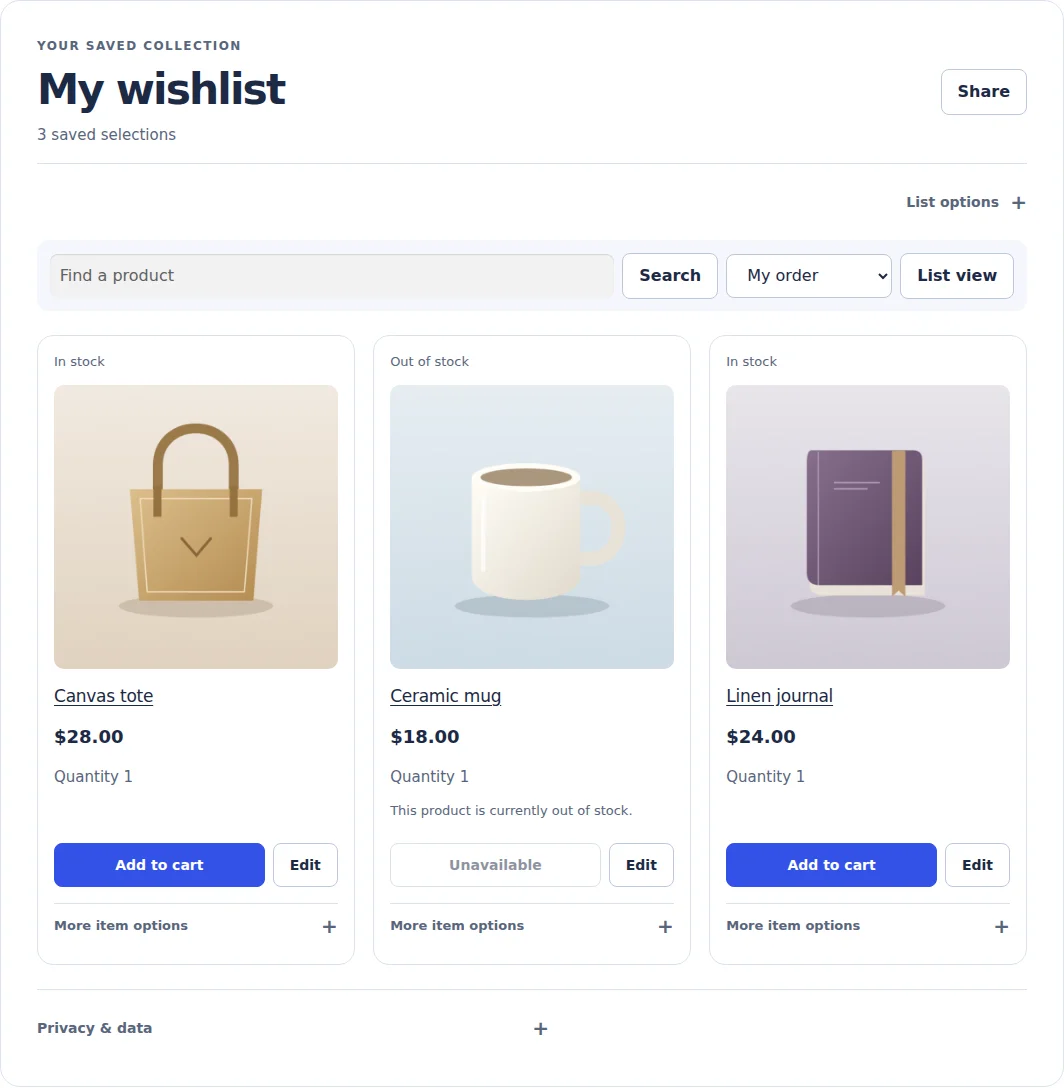
A private place for products worth coming back to.
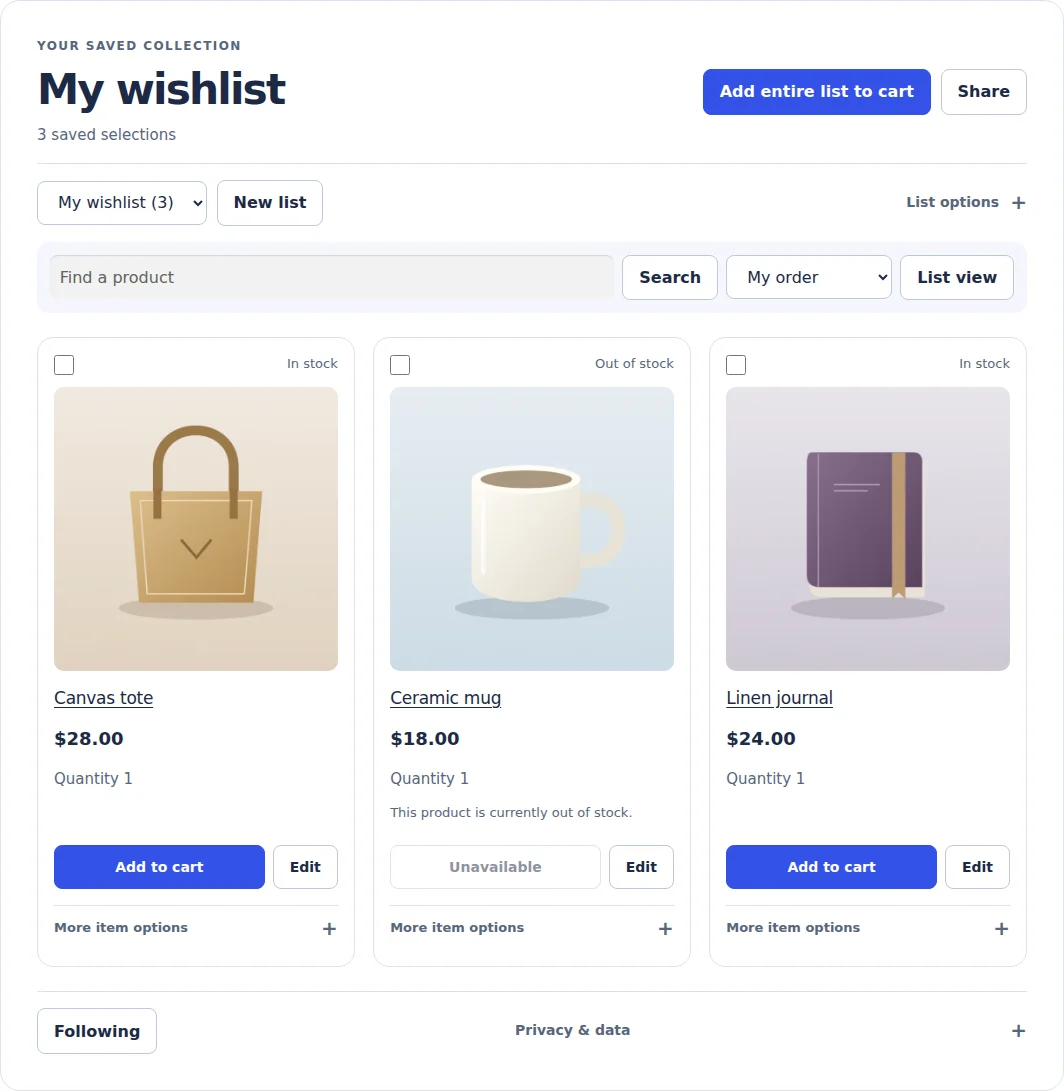
Multiple lists, editable quantities and bulk cart actions.
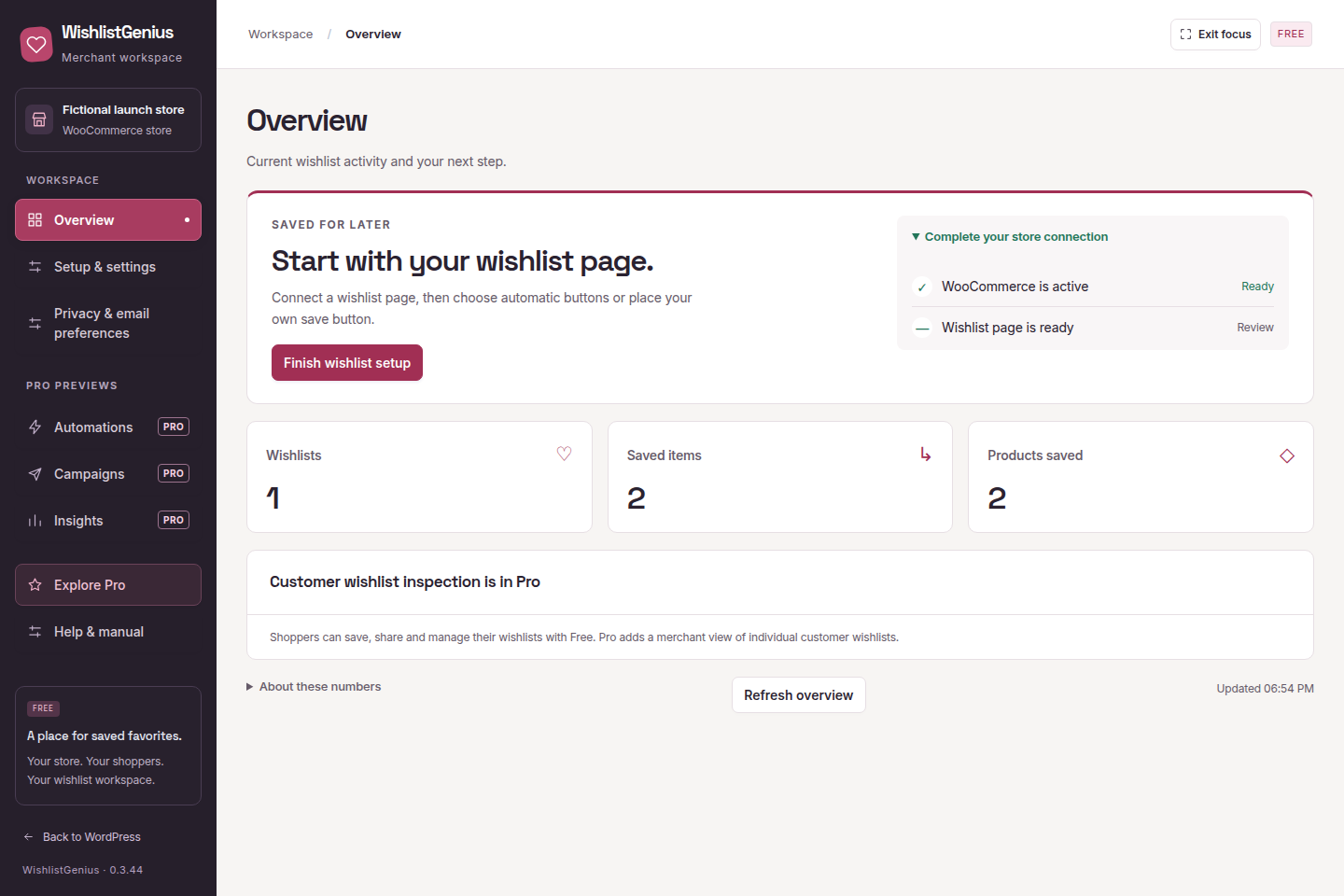
Set up shopper wishlists in Free. Inspect individual customer wishlists with Pro.
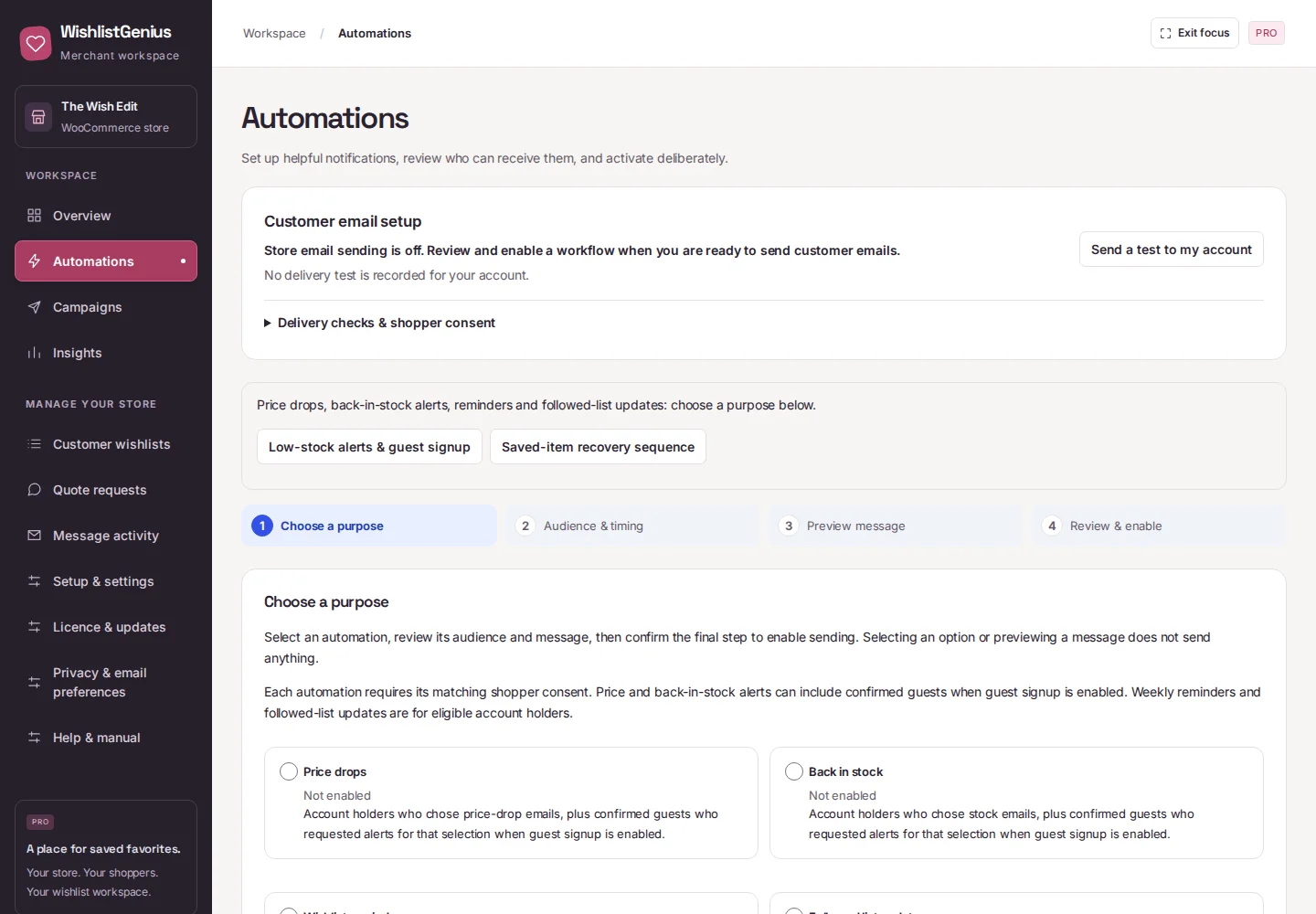
Choose an alert, review its audience and preview the email.
Real plugin screens with fictional store data. Shopper and Pro Automations captures: 0.3.41, showing retained controls. Free merchant overview: 0.3.44.
SET UP IN WORDPRESS
Connect your wishlist page, add a way back from your header or mobile menu, and match the save buttons to your store. Guided setup gets you started in Free.
Your first wishlist starts here ↗Activate Free and choose your wishlist page.
Match your buttons, then test a save and cart action.
Keep using Free, or add Pro when you’re ready for alerts, more list tools and insights.